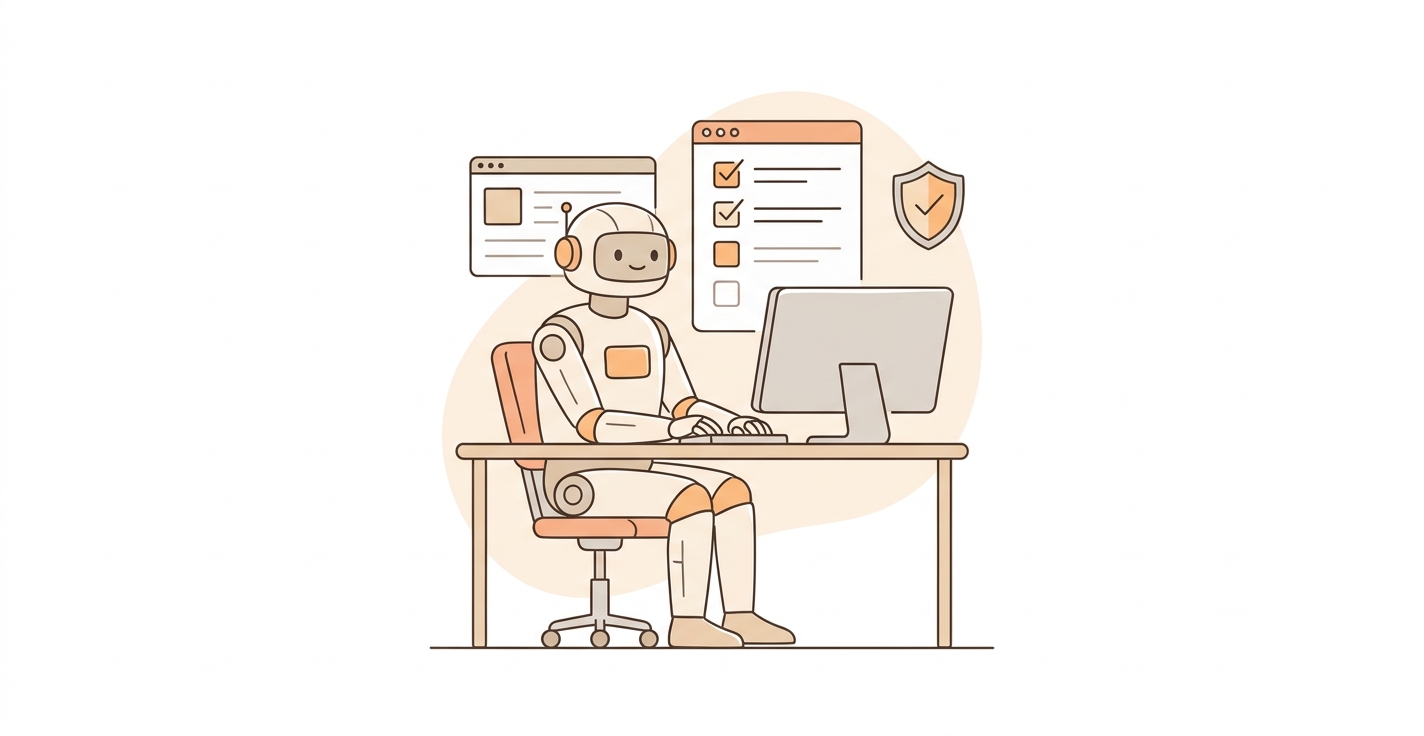
Claude Code Just Got a Lot More Independent
Last Week, I Had to Approve 47 Steps to Onboard One Client
I'm not exaggerating. I was using Claude Code to build an automated onboarding flow. Every file it created, every command it ran, every folder it touched required me to click "approve." By step 30, I was barely reading the prompts. I was just mashing the button.
That's the irony of AI automation tools that still need a human babysitter for every move.
Yesterday, Anthropic fixed that. They released Auto Mode for Claude Code, and it changes how AI agents actually work in practice.
What Auto Mode Actually Does
The short version: Claude Code can now run multi-step tasks on its own. It reads files, writes code, runs commands, and moves to the next step without stopping to ask permission every time.
The longer version: there's a built-in safety layer reviewing each action before it executes. Think of it like giving your assistant a company credit card with spending limits instead of making them ask you before every purchase.
It won't delete your production database or push broken code without flagging it. But it will create files, install packages, and chain together complex workflows without you hovering over its shoulder.
Why This Matters If You Run a Business
Most business owners I talk to in Austin have the same complaint about AI tools: "It's cool, but I still spend all my time managing it."
That's a real problem. If your AI assistant needs constant supervision, you haven't saved time. You've just traded one kind of work for another.
Auto Mode is the first serious step toward AI that actually handles the boring stuff end-to-end. Client onboarding sequences. Data cleanup. Report generation. Setting up integrations. These are multi-step workflows that used to require a human at every checkpoint.
Now they don't.
What This Means for AI Agencies
If you're building AI solutions for clients (like we do at Laimen AI), this is a big deal for three reasons:
1. Faster delivery. Workflows that took hours of supervised execution now run in minutes. That onboarding flow I mentioned? With Auto Mode, it took about 12 minutes with zero intervention from me.
2. More complex automations become viable. When every step needs approval, you design simpler workflows to avoid the pain. Remove that bottleneck, and suddenly 20-step processes are just as easy to build as 5-step ones.
3. The trust question gets easier. Clients always ask, "But what if it does something wrong?" The built-in safety review gives you a concrete answer. It's not blind autonomy. It's autonomy with guardrails.
The Honest Limitations
Auto Mode isn't magic. It works best with well-defined tasks where the steps are predictable. Creative work, ambiguous requirements, and tasks that need human judgment still need... human judgment.
And the safety layer, while good, is conservative. It'll flag things that don't need flagging sometimes. You'll still get interrupted on edge cases. That's probably the right tradeoff for now, but it means this isn't fully hands-off yet.
Combined with Claude Code's computer use capabilities (opening apps, navigating browsers, filling out forms), though, the trajectory is clear. We're moving from "AI as a tool you operate" to "AI as a worker you manage."
What I'd Do With This Today
If you're a business owner, pick one repetitive multi-step process your team does weekly. Client intake, invoice processing, report compilation. Whatever eats time without requiring real thinking. That's your test case for Auto Mode.
If you're an agency operator, start rebuilding your longest workflows with autonomous execution in mind. The competitive advantage isn't just speed. It's that you can now promise clients automations that actually run themselves.
The gap between "AI-assisted" and "AI-operated" just got a lot smaller.
— Mark Garza, Laimen AI

