Claude Can Control Your Mac Now. Here's What That Means for Your Business.
Your AI Assistant Just Got Hands
Last week, I watched Claude open a spreadsheet, pull data from a web app, paste it into a report template, and email the finished file to a client. No copy-paste. No tab switching. No human touching the mouse.
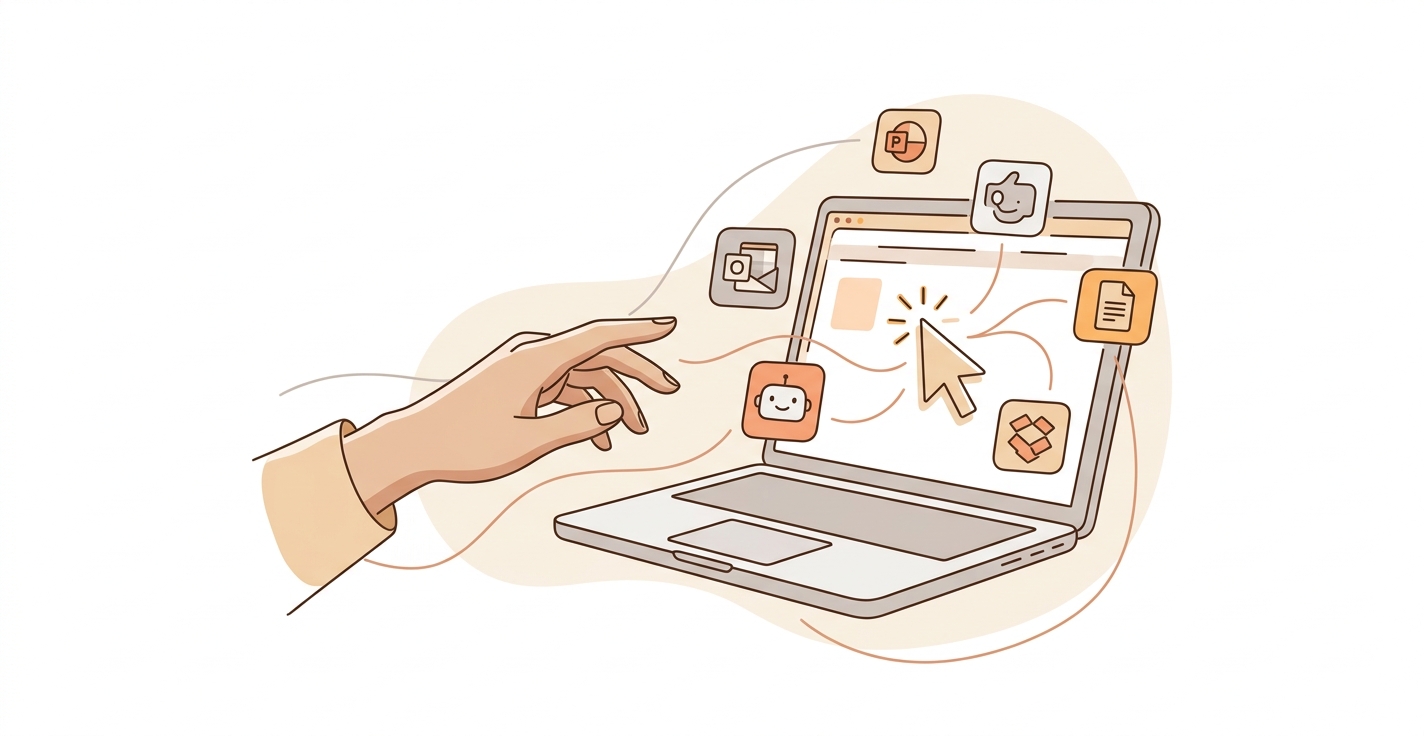
Anthropic just launched Computer Use inside Claude Cowork and Claude Code. It lets Claude physically control your Mac. We're talking mouse clicks, menu navigation, opening apps, typing into fields. The full desktop experience, handled by AI.
If you run a business or an AI agency, this is the update you need to pay attention to.
What Computer Use Actually Does
Computer Use gives Claude the ability to see your screen and interact with it the same way you would. It can click buttons, scroll through pages, open applications, and complete multi-step workflows across different apps.
Think about what that unlocks. Every repetitive desktop task your team does, from data entry to report formatting to moving information between tools that don't have API integrations, is now automatable without building custom code.
It's available now for Pro and Max subscribers. Anthropic built in safety guardrails: permission prompts before sensitive actions, prompt injection scanning, and clear boundaries around what Claude can and can't do without your approval.
Why This Matters More Than Another Chatbot Update
Most AI features live inside a chat window. You type, it responds, you copy the output somewhere useful. That last mile, getting AI output into the right place in the right format, has always been the bottleneck.
Computer Use kills that bottleneck.
Claude doesn't just generate the content anymore. It puts the content where it needs to go. It fills out the form. It sends the email. It updates the CRM record. All on your actual desktop, in the apps you already use.
For COOs and ops leaders, this is significant. You don't need to rip out your existing tools or build API integrations. Claude works with whatever software is already on your screen.
What This Means for AI Agencies
If you're building AI solutions for clients, your service offering just expanded. Before, automating a client's workflow meant either finding an API, building a Zapier chain, or writing custom scripts. Some workflows just couldn't be automated because the software didn't support it.
Now you can automate anything with a screen. Legacy software with no API? Claude can navigate the UI. Complex multi-app workflows? Claude handles them like an employee sitting at the desk.
The agencies that figure out reliable Computer Use workflows first will have a real competitive edge. Start experimenting now. Build templates for common client workflows. Document what works and what doesn't.
The Trust Question
Letting AI control your computer sounds scary. It should, a little. Anthropic clearly thought about this.
Every sensitive action triggers a permission prompt. Claude can't send emails, delete files, or make purchases without you approving it first. There's also an "auto mode" in Claude Code that reduces manual approvals for routine actions while keeping guardrails on anything risky.
My take: start with low-stakes workflows. Let Claude handle data entry, report generation, or file organization. Build trust with your team before moving to higher-stakes processes. The permission system means you're always in control.
What I'd Do This Week
Grab a Pro subscription if you don't have one. Pick the most tedious 20-minute task on your plate. Something repetitive, something that involves multiple apps. Ask Claude to do it with Computer Use.
You'll learn two things fast: where this technology shines, and where it still needs a human nudge. Both lessons are worth having before your competitors figure it out.
The gap between "AI can write things" and "AI can do things" just closed. The businesses that adapt to this shift will move faster than the ones still copying and pasting chatbot outputs into spreadsheets.
— Mark Garza, Laimen AI

