Text Your AI: Claude Now Lets You Manage Your Desktop From iMessage
Your Mac just became reachable from any Apple device you own, and all it takes is a text.
Anthropic quietly shipped iMessage support as part of Claude Code Channels, and it changes how you interact with your computer when you're not sitting in front of it. No bots to configure. No third-party apps. Just open Messages, text yourself, and Claude picks it up on your Mac and gets to work.
How It Works
Claude Code Channels turns messaging platforms into a two-way bridge to your running session. Telegram and Discord are supported too, but iMessage is the one that feels native for Mac users. There's no bot token, no external service, and no account to create. The plugin reads your Messages database directly on macOS and sends replies through AppleScript.
Here's the setup:
- Install the plugin in Claude Code:
/plugin install imessage@claude-plugins-official - Restart with the channel enabled:
claude --channels plugin:imessage@claude-plugins-official - Grant Full Disk Access when macOS prompts you
- Text yourself from your iPhone
That's it. Your message hits the running Claude Code session, Claude does the work against your actual files, and the reply shows up in your Messages thread.
Why This Matters for Cowork Users
If you're running Claude's Cowork mode through Dispatch, you already know the power of having an AI assistant with access to your files, email, connected services, and browser. Dispatch lets you manage all of that from your phone through the Claude mobile app.
iMessage Channels takes a different angle. Instead of going through the Claude app, you're texting. It's the same interface you use to message your family. There's something about that simplicity that makes it feel less like "using a tool" and more like asking a colleague for help.
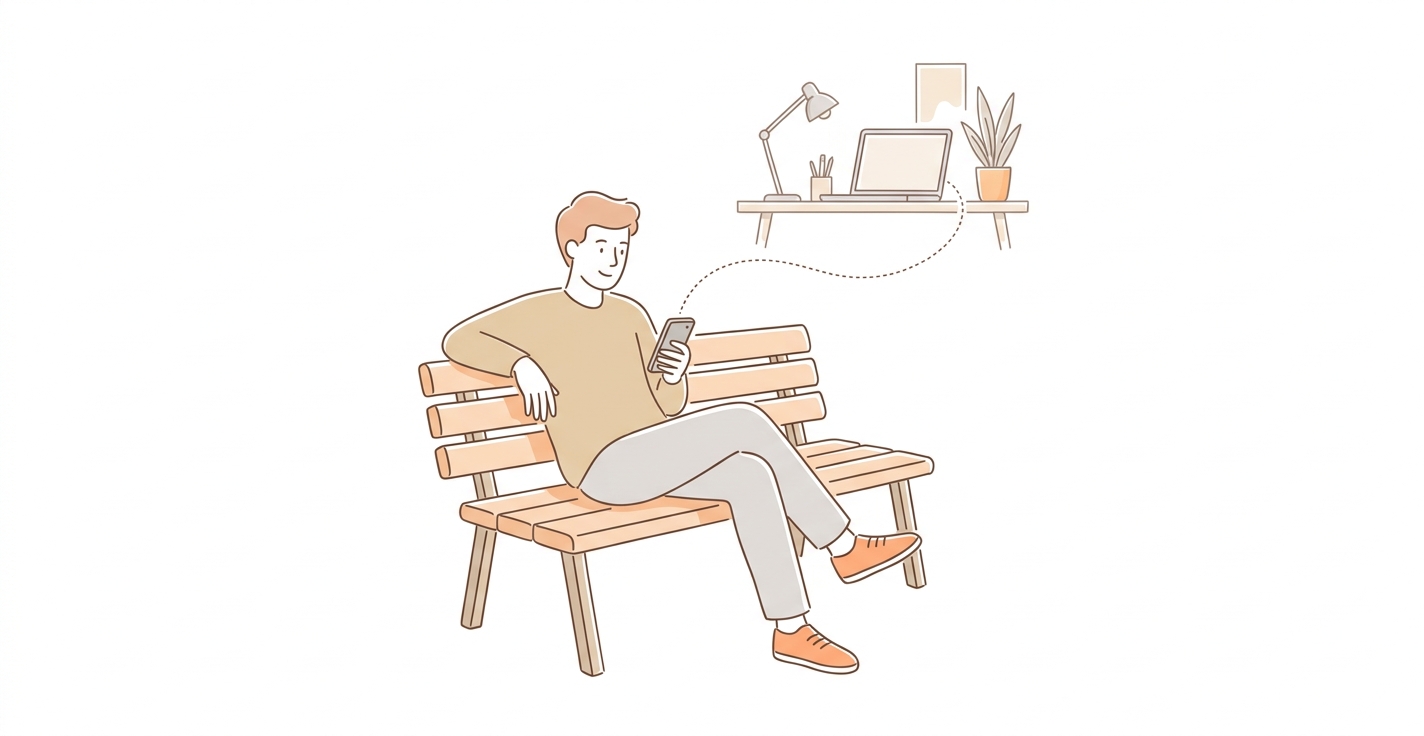
Picture this: you're at lunch, you remember you need to check something in a project file on your Mac. You pull out your phone, open Messages, and text yourself. Claude reads it, opens the file, and texts you back with the answer. No app switching. No logging in. Just iMessage.
Security Without the Hassle
By default, only messages you send to yourself get through. Self-chat bypasses access control automatically, so there's zero configuration needed for personal use. If you want a trusted contact to be able to reach your Claude session, you explicitly allow their number:
/imessage:access allow +15551234567
Nobody else gets in. Messages from unapproved senders are silently dropped.
The Bigger Picture
Claude Code Channels launched March 20, 2026 as a research preview with three platforms: Telegram, Discord, and iMessage. The architecture is plugin-based, which means more platforms can follow. The real shift here is the idea that your AI assistant doesn't live inside one app anymore. It lives wherever your conversations happen.
For anyone already using Cowork and Dispatch, iMessage Channels is another layer of accessibility. For developers running Claude Code sessions, it means you can push tasks, check progress, and get answers without leaving the conversation you're already in.
The future of working with AI isn't opening an app. It's sending a text.
Try it yourself: update to Claude Code v2.1.80+, install the iMessage plugin, and text yourself. Your Mac is listening.

